The complete workflow for your self studio and photobooth.
Four apps for your self studio, photobooth, photo strip printing, and studio operations. Choose what you need and use them on their own or together.
Four apps for your self studio, photobooth, photo strip printing, and studio operations. Choose what you need and use them on their own or together.
01 / POSER SELF · GESTURE SHOT
Gesture Shot starts the countdown when guests raise a hand. POSER helps keep sessions efficient and saves each session’s results neatly.
02 / POSER BOOTH
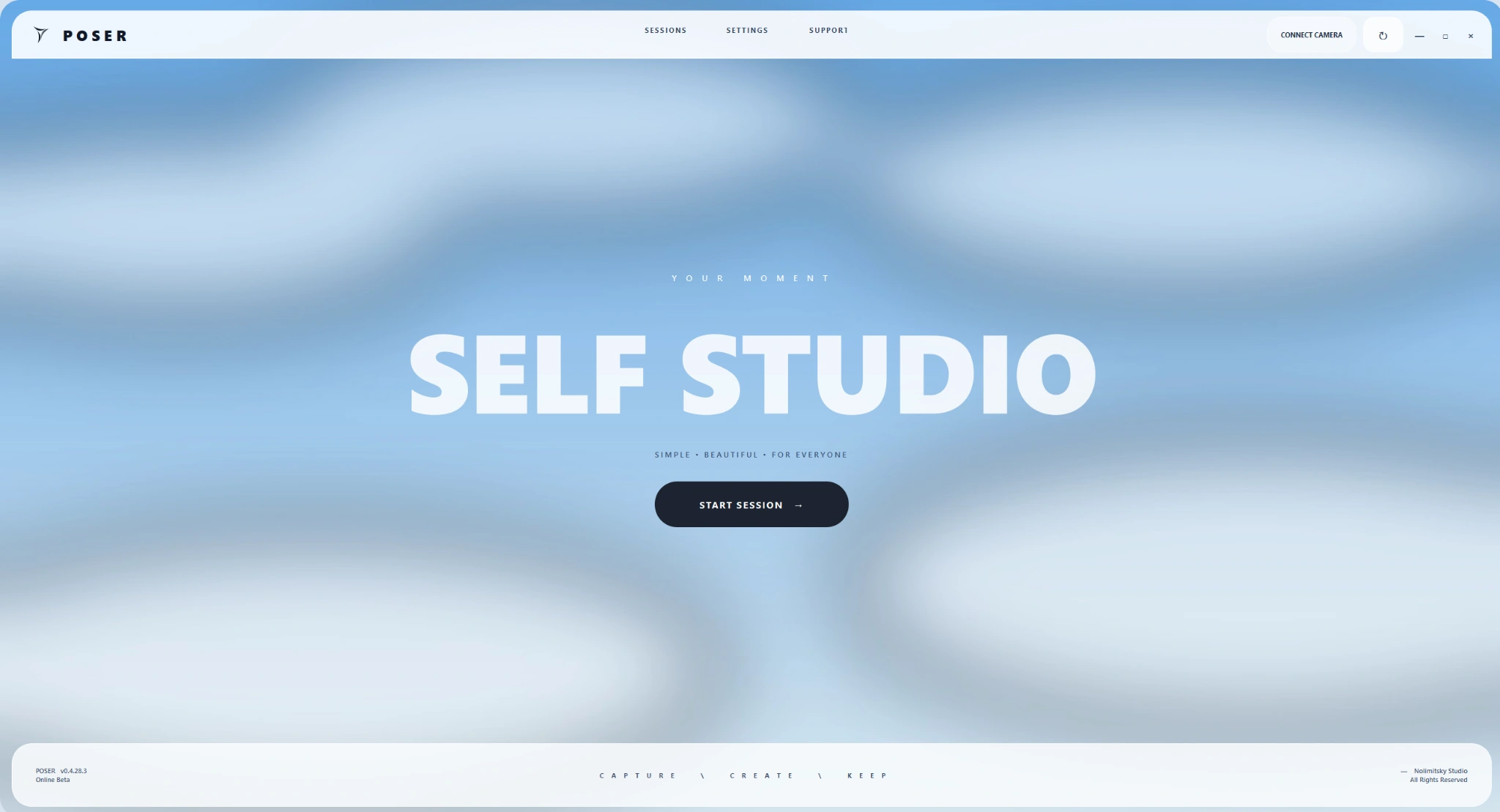
Guests choose QRIS or a voucher, select a frame, and take their photos. They can continue to printing or QR delivery, depending on the package and booth setup.
03 / POSER PRINT
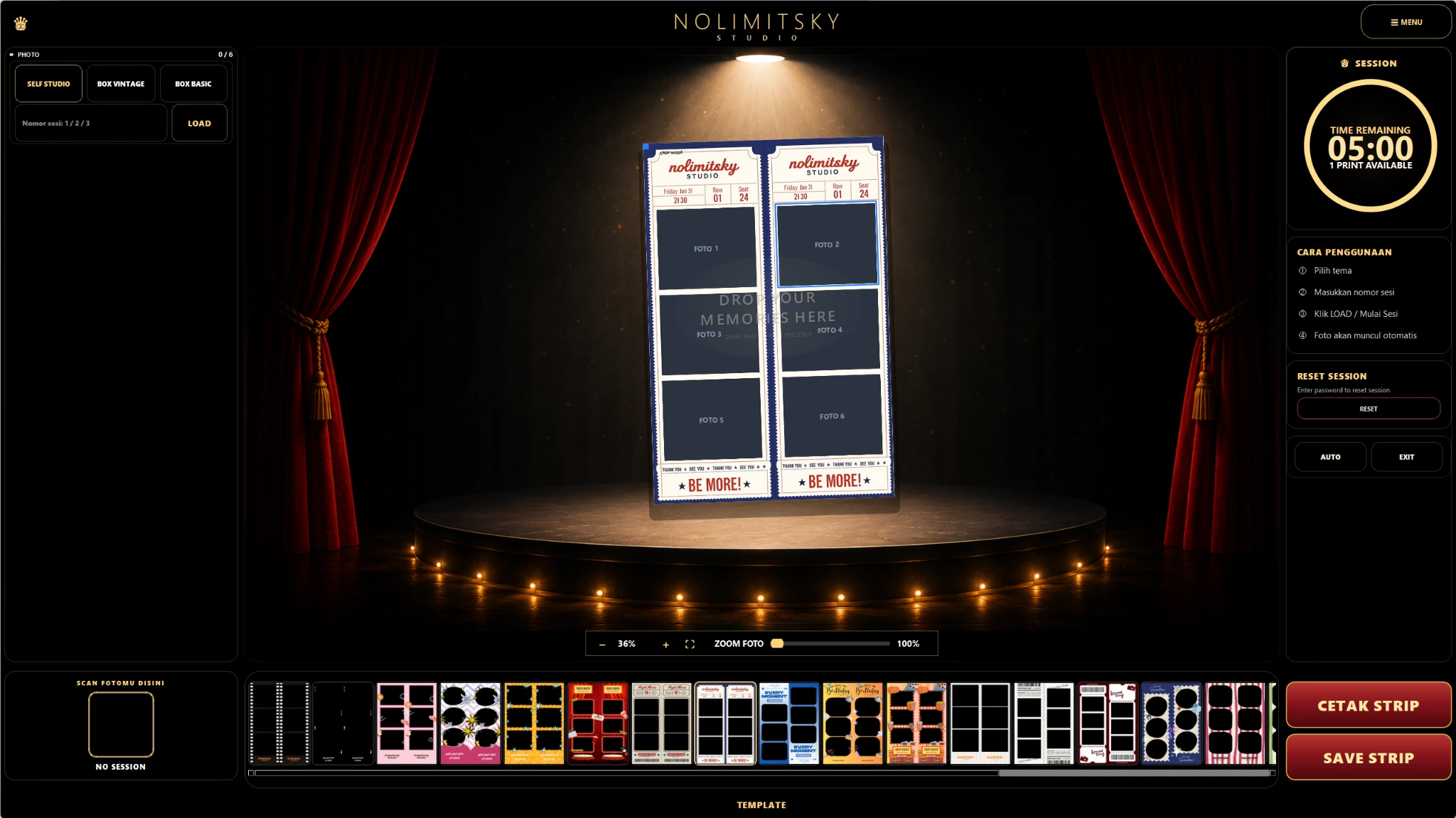
Enter the photo session code, choose a template, select photos, then adjust each slot’s crop before saving or printing.
04 / POSER FLOW
Record sessions, services, income, and expenses to track studio activity.
POSER INFO
POSER Self for photo sessions, POSER Booth for photobooths, POSER Print for photo strips, and POSER Flow for studio management.
Live view, countdowns, a session timer, and session controls let guests take self photos without an operator beside them.
Explore POSER SelfManage frame selection, photo sessions, printing, and photo delivery in one booth workflow.
Explore POSER BoothChoose photos, adjust the crop, pick a template, and create a photo strip to take home.
Explore POSER PrintRecord sessions, services, income, and expenses to track studio activity.
Explore POSER FlowPOSER Self supports Sony, Canon, Nikon, and Fujifilm cameras through their respective engines.
View compatible cameras POSER
POSERModel support follows each engine or SDK. Features can vary by camera model, firmware, and lens.
Jelajahi screenshot dari setiap aplikasi POSER.
POSER grew out of the work we do every day: photographing customers, preparing prints, and keeping daily records.
See what happens at Nolimitsky StudioChoose one app or combine several to fit your studio workflow.
| Studio needs | POSER Self | POSER Booth | POSER Print | POSER Flow |
|---|---|---|---|---|
| Core focus | Self photo sessions | Booth payments and photo sessions | Photo selection and print layouts | Studio records |
| Primary users | Operators and guests | Booth guests | Guests and operators | Owners and staff |
| Platform | Windows | Windows | Windows | Windows and Android |
| Details | View POSER Self | View POSER Booth | View POSER Print | View POSER Flow |
Annual: pay for 10 months and get 12 months of access. Save 2 months (16.7%). POSER Self Starter is monthly only.
Choose an app, then compare its plan options.
No. POSER Self manages self photo sessions, POSER Booth runs photobooth workflows, POSER Print handles photo selection and print layouts, and POSER Flow tracks studio operations. Choose what you need; each app is set up separately.
POSER uses Sony Native USB, Canon EDSDK, Nikon MAID/Unified-Z, and Fujifilm XAPI USB engines. Model listings follow each engine or SDK; available functions can vary by model and firmware. Printers still require testing with their drivers, paper, and borderless settings.
It depends on the feature. Cloud access, uploads, and device synchronization require an internet connection. Local operation depends on your app, camera, storage, and license configuration.
Contact POSER through the contact page. Tell us which apps you need, how many devices you use, and about your studio setup. We will discuss available versions, licensing options, and pricing based on your needs.
POSER Self and POSER Print previews show the actual apps without connected devices. Ask us for a POSER Flow demo. App screens may change between versions.
Tell us about your cameras, printers, and workflow. We can help check which apps and devices fit.