
Your studio's templates
Use PNG templates that match your brand and photo concept, with recognizable thumbnails for easy selection.
POSER Print displays photos by session number. Guests choose their photos, adjust the crop, then save or print a photo strip at the studio kiosk.
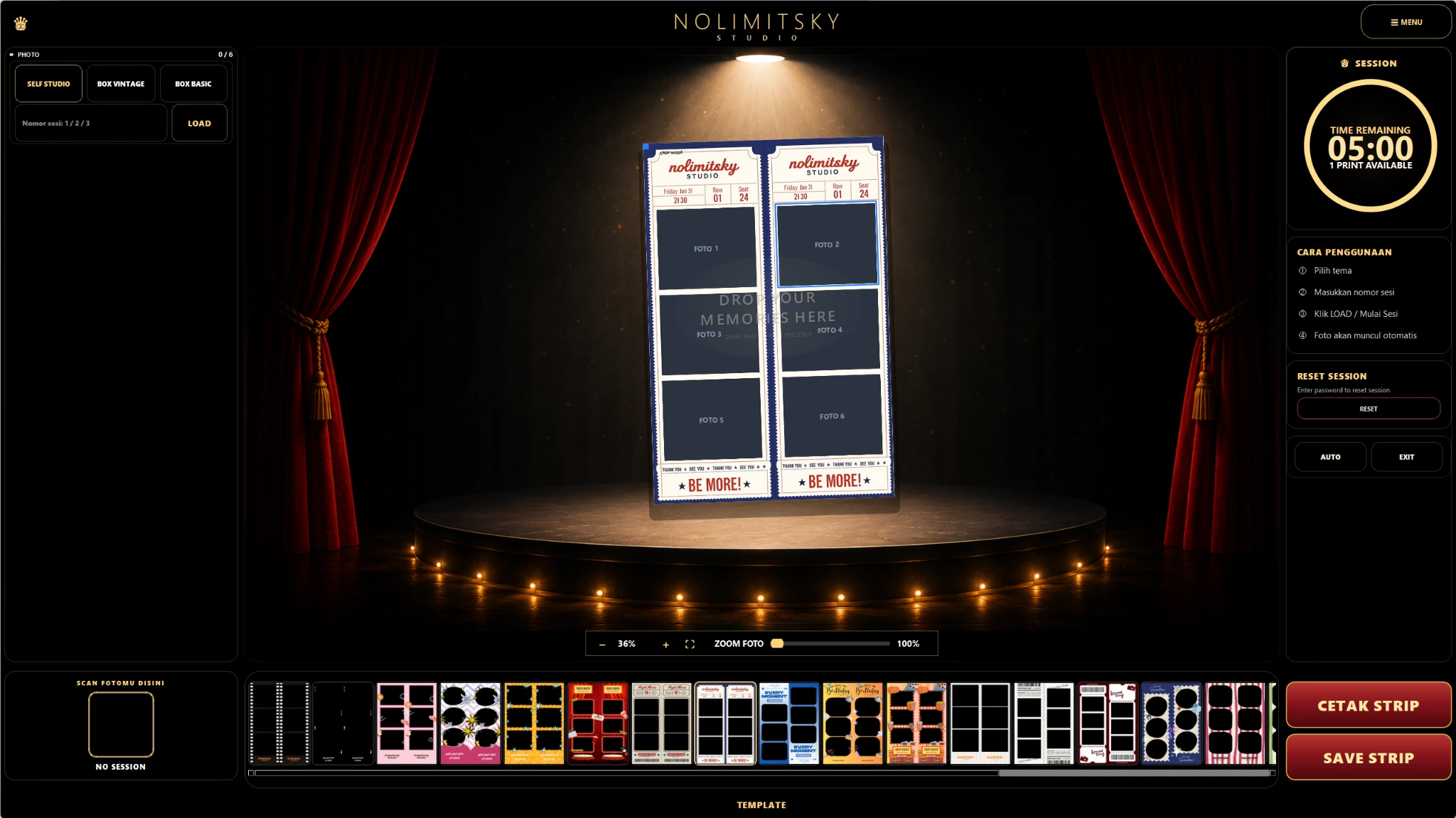
App screenshot with no camera or printer connected.
For studios with a kiosk for photo selection and photo strip printing.
Device preparationPrepare the photo folder, templates, and printer used at the studio.
Use PNG templates that match your brand and photo concept, with recognizable thumbnails for easy selection.
Guests enter their session number. Service prefixes help separate self photo, box basic, and vintage sessions.
Adjust position and zoom in each slot to keep faces in frame. Check the composition before saving.
Arrange two strips on one 10 × 15 cm sheet. Print output depends on driver support and printer settings.
Large controls and an on-screen number pad support self-service at the photo selection station.
Technical settings and reset controls are separated from the guest workflow to reduce accidental changes.
Enter the session number to display the guest's photos.
Choose photos and a template, then adjust each slot's crop.
Check the preview and continue using your studio's printer settings.
Annual: pay for 10 months and get 12 months of access. Save 2 months (16.7%). POSER Self Starter is monthly only.
One Full Access plan with every POSER Print feature.
Rp99.000
/ month
Tahunan: bayar 10 bulan untuk masa aktif 12 bulan, hemat 2 bulan (16,7%). POSER Self Starter hanya tersedia bulanan. Seluruh fitur pemilihan, layout, dan pencetakan foto termasuk dalam Full Access.
Prepare a photo folder, print-size templates, and a printer with its Windows driver. Test paper size and borderless settings on your printer.
View the setup guideFeatures depend on the app version. Ask about availability during a consultation.
Tell us your printer model, paper size, and photo folder location.